AI video inference is moving from one-shot prompt-to-clip generation toward controlled rendering: a workflow where teams specify the opening state, motion, timing, audio, endpoint, and quality tier before a GPU starts work. That shift matters because a video result is rarely useful just because it completed. It has to preserve the right subject, follow the requested action, land on a usable final frame, and arrive quickly enough for review.
Two current video systems make the change concrete. P-Video 2 accepts text, an optional first-frame image, optional audio, and an optional last-frame image. It offers 5, 10, 15, or 20 second clips at 720p or 1080p, with 24 or 48 frames per second. FastH3 takes a different route: it produces synchronized stereo audio and video from text on H200-backed infrastructure, at 24 FPS and durations from 5 to 15 seconds. These are not interchangeable controls. They point to a broader systems problem: how to turn an uncertain generative task into an observable render job.
AI video inference needs a control surface, not a bigger prompt box
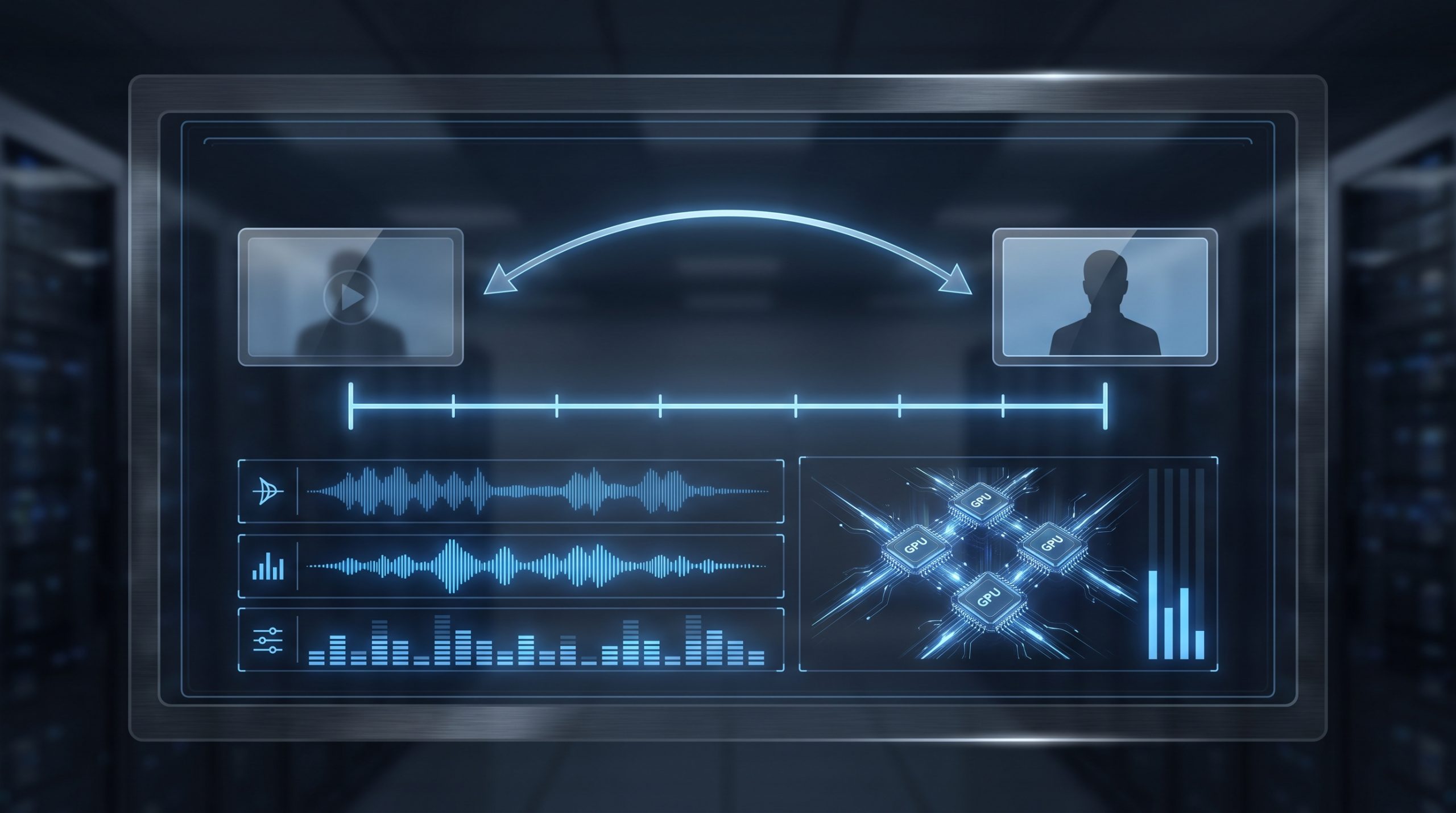
A prompt still sets intent. It does not reliably set continuity. A first-frame image can lock a subject, wardrobe, product, camera angle, or set. A last-frame image adds a destination. Audio conditioning sets a time-bound signal that the renderer must respect. Duration and FPS define the temporal budget. Together, those inputs turn a request from “make a product reveal” into a constrained job with assets and acceptance criteria.
This matters for temporal consistency. A video contains many related images, not a collection of independent stills. Subject identity, lighting, geometry, and motion must survive across the sequence. The NeurIPS 2024 RefDrop paper describes reference-feature guidance as a way to control reference influence directly and reports applications in personalized video generation through improved temporal consistency. Its point is useful even outside that method: reference information should be a first-class input, not an afterthought hidden in a long prompt.
Controls are also debugging handles
When an output fails, a control-rich request gives the team something to inspect. Did the first-frame reference drift? Did the model ignore the endpoint? Did audio shorten the clip? Did the motion instruction conflict with a static composition? A plain text prompt makes every failure look similar. Named controls isolate variables. That is the difference between random retries and an engineering loop.
Seed values add another useful handle. P-Video 2 exposes a seed, while FastH3 also exposes one. A fixed seed will not make every stage deterministic across all serving changes, but it gives an experiment a stable identifier. Store it with model version, input asset hashes, duration, FPS, resolution, and prompt. Without that record, a “good take” cannot be recreated or compared.
The GPU math changes with clip length, frame rate, and retries
Video cost grows with more than output pixels. A 20-second render at 48 FPS contains 960 output frames. A 5-second render at 24 FPS contains 120. That simple 8x difference does not describe every model’s internal sampling path, latent compression, or batching behavior, but it does explain why teams should treat duration and FPS as capacity controls. Higher resolution adds another pressure point. P-Video 2 supports 720p and 1080p; FastH3 lists 768P as its native canvas tier and does not support 1080P.
Retries often dominate planned demand. A team that renders one final clip per brief has a media-generation problem. A team that renders six variants, changes the start image twice, and sends selected takes through a higher-quality pass has a queueing problem. P-Video 2 includes a draft mode for faster, lower-quality previews. That creates a sensible split: use draft output to reject bad composition or motion, then spend final-quality capacity on approved directions.
The research direction supports this focus on time, not just image quality. A 2025 video-generation paper frames flicker, inconsistent objects, limited element control, and slow generation as deployment barriers. Its reported metrics are specific to that proposed framework, so they should not be read as a benchmark for these production services. The useful takeaway is narrower: temporal coherence and fine-grained control are separate objectives, and a good-looking key frame does not prove either one.
What developers and infrastructure teams need to build
Start with a durable job schema. Record the model and revision, prompt, negative instructions if used, first and last frame references, audio reference, seed, duration, FPS, resolution, aspect ratio, output URI, and user-visible state. Make the job idempotent. A worker retry should not silently create multiple billable renders unless the application deliberately requested variants.
Separate interactive work from batch work. A creative review session cares about median time to first usable preview. A campaign backfill cares about throughput and completion rate. Put them on different queues or at least apply different concurrency caps. If they share one undifferentiated queue, a long batch can turn a five-second concept check into a stale review task.
Measure the right metrics. Track queue wait, render duration, failed-job rate, retry count, output-storage latency, and time to first acceptable take. Add control fidelity as a human-scored sample: did the reference subject persist, did the intended action occur, did audio remain synchronized, and did the output end where the brief required? Completion rate alone can look healthy while editors discard most clips.
Storage deserves the same care as GPU capacity. Keep source assets immutable. Store generated outputs separately from review derivatives. Associate every approved clip with its exact request record. For sensitive inputs, define retention windows before production traffic starts. Video references can carry customer faces, locations, and product material; an object store with no lifecycle policy becomes a quiet compliance risk.
A practical AI video inference workflow
- Make a shot contract. Define duration, aspect ratio, subject, action, camera behavior, start state, end state, and sound before prompting.
- Run the cheapest useful preview. Use a short duration, lower-cost draft option where available, and a fixed seed for comparison.
- Score the result against the contract. Check identity, motion, timing, final-frame adherence, and audio sync. Do not approve from a thumbnail.
- Promote only selected takes. Raise resolution, duration, or FPS after the composition works. Keep the same control inputs unless a test changes one variable.
- Log the render. Capture the full request and output metadata so the team can reproduce a take, investigate drift, and forecast capacity.
The operational result is simple. AI video inference becomes easier to scale when product teams stop treating it as a magic prompt endpoint. Controls create repeatability. Draft stages protect accelerator capacity. Instrumentation exposes where quality and latency fail. Run P-Video 2 and FastH3 on Wiro when a video workflow needs controlled inputs, measurable outputs, and a clear path from preview to final render.